


|
|
|
 |
Neevia PDFcompressVERSION 4.4 build 865 Neevia PDFcompress is a fast and reliable software application that can be used to reduce the actual size of PDF files by compressing text, graphics and images, subsetting fonts and optimizing document structure. |
 |
The operating systems listed here have been tested with Neevia PDFcompress and are officially supported:
 |
 |
 |
 |
|
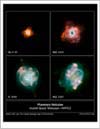
| Original PDF (9438 Kb) |
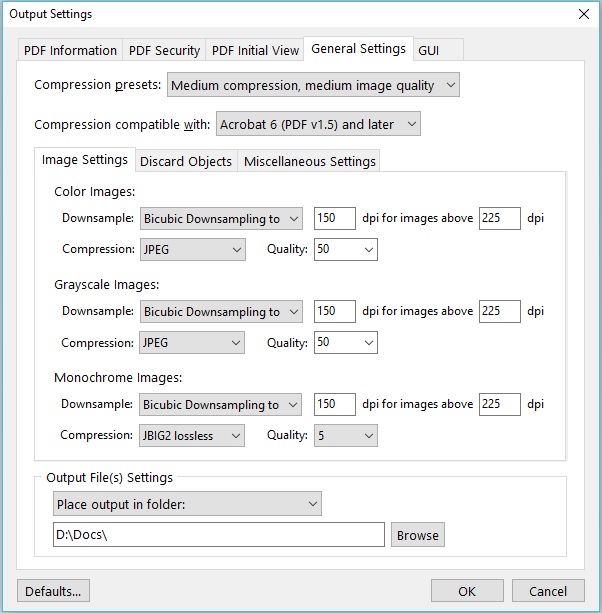
Compression Settings |
Compressed PDF (87 Kb) |
||
| ||||
| ||||
 |
|
|
|
|
| Original PDF (740 Kb) |
Compression Settings |
Compressed PDF (348 Kb) |
||
| ||||
| ||||
 |
|
|
|
|
| Original PDF (940 Kb) |
Compression Settings |
Compressed PDF (789 Kb) |
||
| ||||
Below are listed the main PDFcompress features:
You can purchase Neevia PDFcompress online at https://www.neeviaPDF.com or via the Neevia Tech Sales Department at . For online orders it may take up to 4 business hours to verify and email the licensing info.