


|
|
|
 |
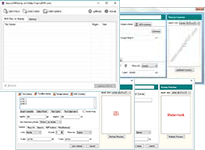
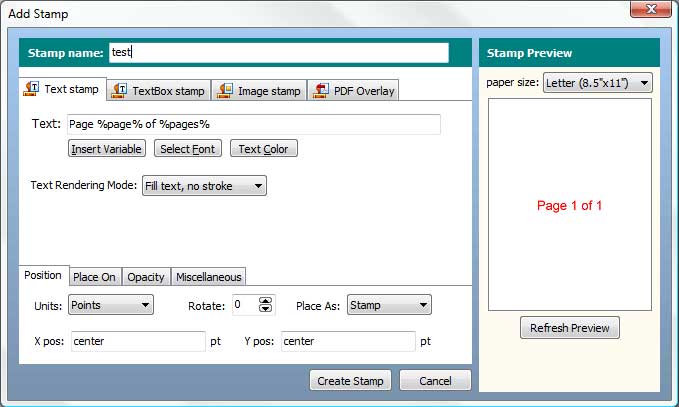
Neevia PDFstampVERSION 4.5 build 907 Neevia PDFstamp is a high-performance application that allows you to add watermarks, overlays, time/date stamps, headers/footers, disclaimers, images, company logos and many other types of stamps to PDF files. |
 |
The operating systems listed here have been tested with Neevia PDFstamp and are officially supported:
 |
 |
 |
 |
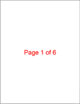 |
| Original PDF document |
Stamping Settings |
Stamped PDF document |
||
| ||||
| ||||
|
|
 |
|
 |
| Original PDF document |
Stamping Settings |
Stamped PDF document |
||
| ||||
| ||||
|
|
 |
|
 |
| Original PDF document |
Stamping Settings |
Stamped PDF document |
||
| ||||
Below are listed the main PDFstamp features:
The evaluation version is a fully functional copy of the licensed product. Files created using the evaluation version will contain a "trial" watermark on every page.